
Payment App for Tow Truck Drivers
The car is on the hook and the customer is standing on the shoulder. One scan of your QR code and the tow is paid, before you pull away.
One app for the job
and the tip.
Sign up with SSN or ITIN
No LLC or EIN for an individual account. Stripe may ask for a photo ID.
Customize each page
Your title, your message and preset amounts.
Suggested tips and links
Preset amounts, any amount, or a one-time link.
Your QR code, ready anywhere
Every payment page gets its own QR code and shareable link. Show it on your phone, print it on a badge or sign, or send the link directly to your customer.
Instant payouts
Eligible instant payouts typically arrive within minutes. Fees apply.
Know what you earned
See your payment history, keep tips and service payments organized separately, and export your transaction records when you need them.
Tax-ready records
CSV export, and a 1099-K at IRS thresholds.
Web and mobile app
One account on the web, iOS and Android.
Why tipme
for Tow Truck Drivers?
Paid before the car leaves the scene
Hook, strap, scan. The customer pays on their own phone while you secure the load, so you never drive off hoping a check shows up later.
A link for the price you quoted
Long tow, winch-out or a jump start at 2 a.m.? Send a payment request for the exact amount by text. It stays open for 48 hours and closes once it is paid.
A receipt for the insurance claim
Customers can download an invoice and a receipt right from your page, which is the paper their insurer or roadside plan asks for.
Room for a thank-you
Tips are not expected in towing. Still, someone rescued from a dark highway often wants to add something, and they can do it in the same payment.
From job done
to paid.
- Step 1
Create your page
Set up a service payment page or tip page with your name, message and payment amounts.
- Step 2
Share it
Show your QR code, send your payment link, or use Tap to Pay for an in-person payment.
- Step 3
Get paid
Your customer pays using a supported payment method. No tipme account is required on the customer side.
- Step 4
Cash out
Keep track of your available balance and cash out using an available payout method.

Your QR code goes
where you do.
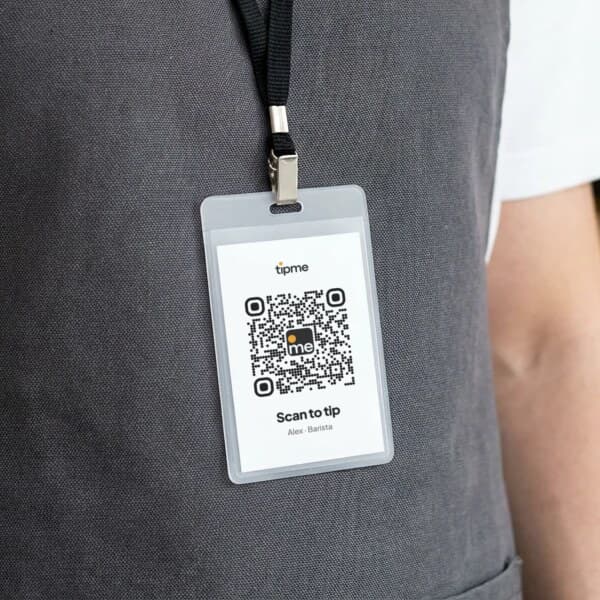
Wear it
Put your QR code on a badge or pin so customers can scan it when they're ready to pay or tip.
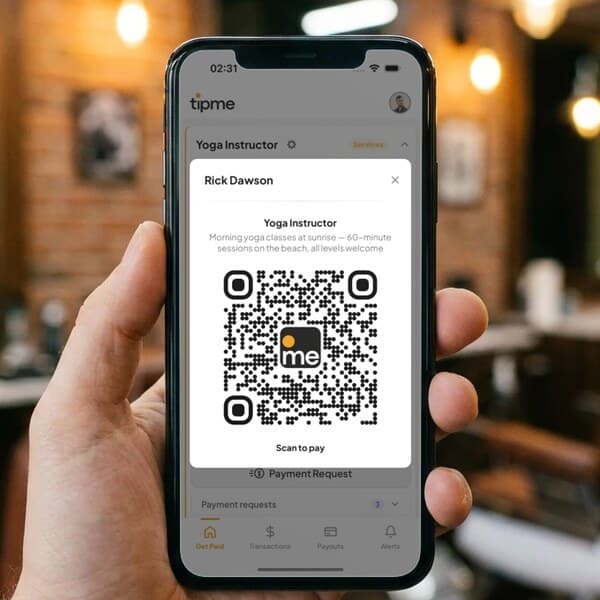
Show it
Pull up your QR code on your phone after finishing a service.
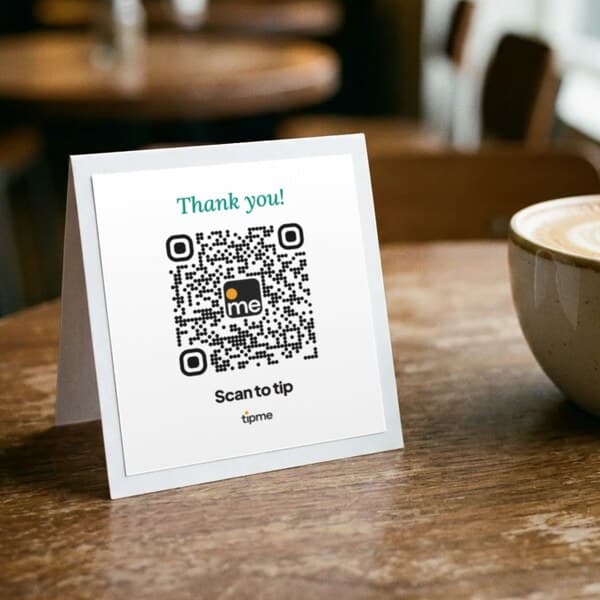
Display it
Place it on a counter, table, workstation, vehicle or printed sign.
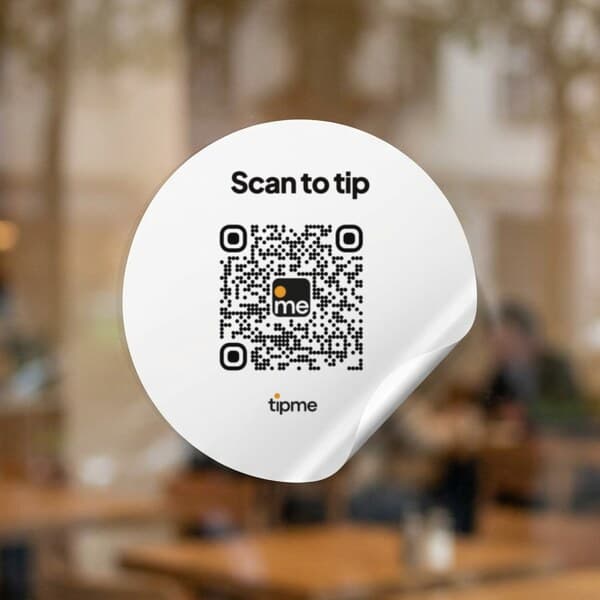
Stick it
Use a QR sticker where customers naturally see it.
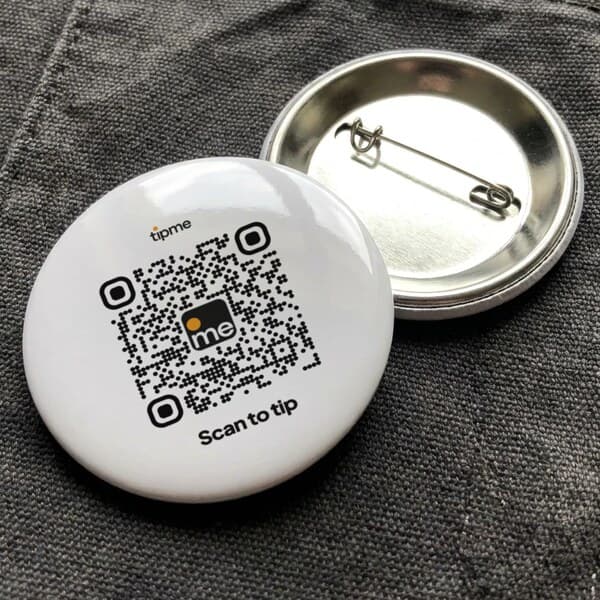
Pin it
A pin badge goes on an apron, jacket or bag strap.
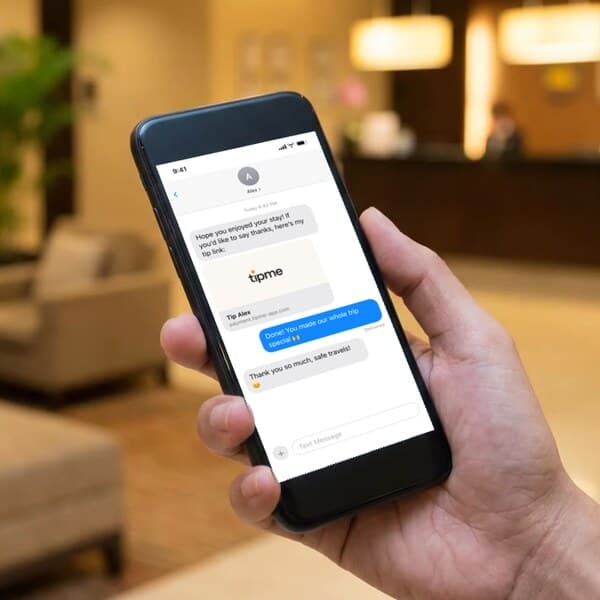
Send it
Send your payment link when your customer isn't standing in front of you.
See all Transportation & Delivery professions. See how customers pay and tip you with a payment link, a QR code or Tap to Pay, check the fees, or read the FAQ.
Your customer already
knows how to pay.
- Apple Pay
- Google Pay
- Tap To Pay
- Credit/Debit Card
- Cash App
- Crypto
- Bank Transfer
- Amazon Pay






Guides to getting
paid.
Can you use a personal Venmo or Cash App account for client payments?
What Venmo, Cash App and PayPal say about client payments in a personal account, what each costs as of October 2026, and when a payment page fits better.
How to take appointment deposits with a payment link (hair, nails, lessons)
Collect a deposit for a hair, nail or lesson booking with a payment link or a booking page. Amounts, fee math as of October 2026, and policy wording.
How to accept Tap to Pay on iPhone as an individual
Take contactless cards and Apple Pay on your own iPhone with no card reader and no LLC. Setup, fees as of October 2026, receipts, payouts and limits.
How street performers get tipped without cash in 2026
Fewer people carry cash, so buskers add a QR code next to the case. Signs, placement, fees on small tips, tamper checks and the tax catch for performers.
How to pay contactless with your iPhone (and Apple Watch)
Pay with Apple Pay at a store reader, on a worker's phone with Tap to Pay, or on a QR code page in Safari. Which iPhones work and what to do if a tap fails.
Is contactless payment safe? What happens when you tap your iPhone
A tap sends a one-time code, not your card number. How tokens, Face ID and Lost Mode protect you, what the seller sees, and where the real risks are.
Contactless, QR code or card reader: which should a solo worker use?
Tap to Pay on your phone, a QR code or a card reader? A fair side-by-side for solo workers, with published fees as of October 2026 and where each fails.
How to get paid for house cleaning when the client isn't home
Most cleaning clients are at work when you finish. Use payment links, separate QR codes for cleaning and tips, and polite reminders to get paid.
How independent personal trainers take payment for sessions and packages
How independent personal trainers charge for sessions and packages, take card payments in a park or a client's home with no reader, and what it costs.
With tipme you get a personal QR code and a payment link. The customer scans or taps it and pays with Apple Pay, Google Pay, Visa, Mastercard, American Express or Discover, right on their own phone. The money goes to your account.
Yes. Create a payment request for the amount you quoted and send it by text or any messenger. An unpaid request expires after 48 hours, and a paid one closes so nobody pays twice.
Yes. On your payment page the customer can download an invoice before paying and an invoice and receipt after paying, with your details and the amount on them.
It is not expected. Many people still tip after a late-night call, bad weather or a hard recovery. With tipme the customer can add a tip on top of the tow in the same payment.
Yes. No monthly subscription. A small processing fee applies to each payment or tip, and you choose, for each page and each payment request, whether the customer covers it or you do.
One flat processing fee per payment, the same for every card and wallet. The exact total is shown before anyone pays. The full breakdown is on the fees page.
You can withdraw once your balance reaches $1 or more.
Payments and tips collect in your tipme balance. Cash out to your bank account, or to an eligible debit card with an instant payout. Eligible instant payouts typically arrive within minutes. Fees and eligibility requirements apply.
No. They scan your QR code or open your link and pay by card, Apple Pay or Google Pay. No app, no account needed.
One profile works everywhere. Just show your QR code wherever you are.
Ready to start?
Free to sign up · No monthly subscription · No card reader required · Transaction fees apply