
Tipping App for Parking Attendants
You handle their car with care every single time. Drivers want to tip. Now they can, even without a dollar in their wallet.
One app for the job
and the tip.
Sign up with SSN or ITIN
No LLC or EIN for an individual account. Stripe may ask for a photo ID.
Customize each page
Your title, your message and preset amounts.
Suggested tips and links
Preset amounts, any amount, or a one-time link.
Your QR code, ready anywhere
Every payment page gets its own QR code and shareable link. Show it on your phone, print it on a badge or sign, or send the link directly to your customer.
Instant payouts
Eligible instant payouts typically arrive within minutes. Fees apply.
Know what you earned
See your payment history, keep tips and service payments organized separately, and export your transaction records when you need them.
Tax-ready records
CSV export, and a 1099-K at IRS thresholds.
Web and mobile app
One account on the web, iOS and Android.
Why tipme
for Parking Attendants?
Parking fees are paid digitally but tips still need cash
The gap between cashless parking payment and cash-only tipping is a daily frustration for attendants. tipme closes that gap completely.
Parking attendants handle expensive vehicles daily
Moving and parking valuable cars requires care and responsibility. Drivers who trust their car to an attendant often want to tip. They just need a way to do it.
Attendants work long outdoor shifts
Standing in parking structures or outdoor lots through all weather conditions is demanding work. Tips are a meaningful part of making those shifts worthwhile.
From job done
to paid.
- Step 1
Create your page
Set up a service payment page or tip page with your name, message and payment amounts.
- Step 2
Share it
Show your QR code, send your payment link, or use Tap to Pay for an in-person payment.
- Step 3
Get paid
Your customer pays using a supported payment method. No tipme account is required on the customer side.
- Step 4
Cash out
Keep track of your available balance and cash out using an available payout method.

Your QR code goes
where you do.
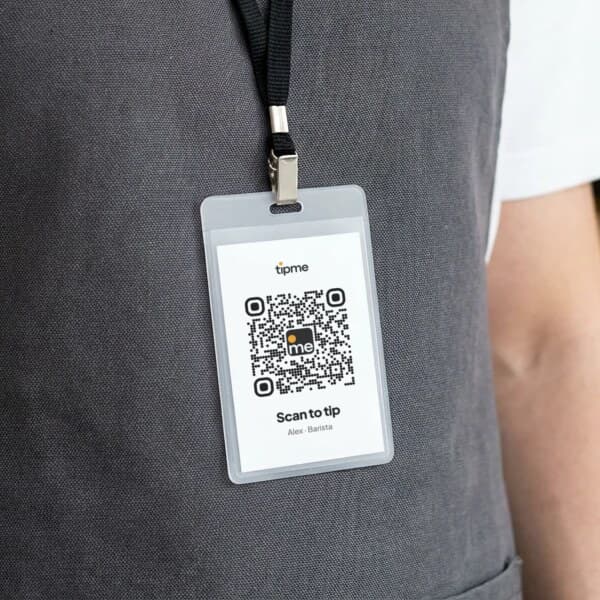
Wear it
Put your QR code on a badge or pin so customers can scan it when they're ready to pay or tip.
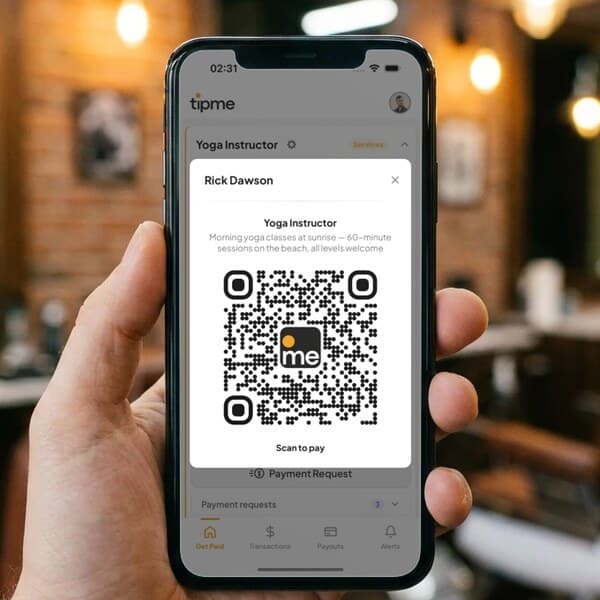
Show it
Pull up your QR code on your phone after finishing a service.
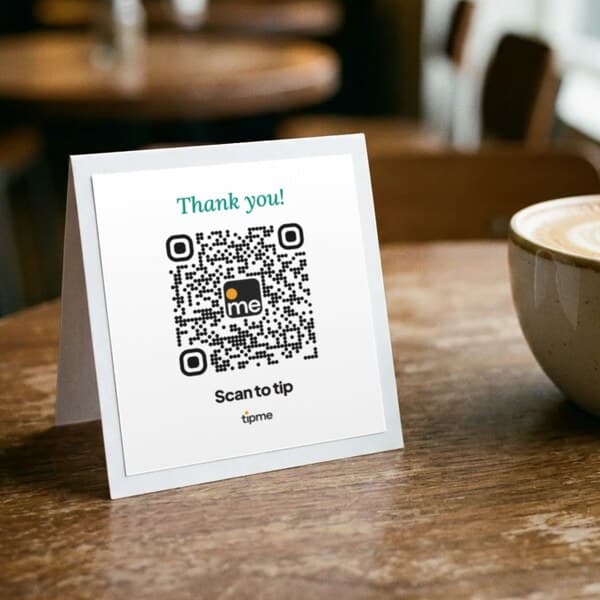
Display it
Place it on a counter, table, workstation, vehicle or printed sign.
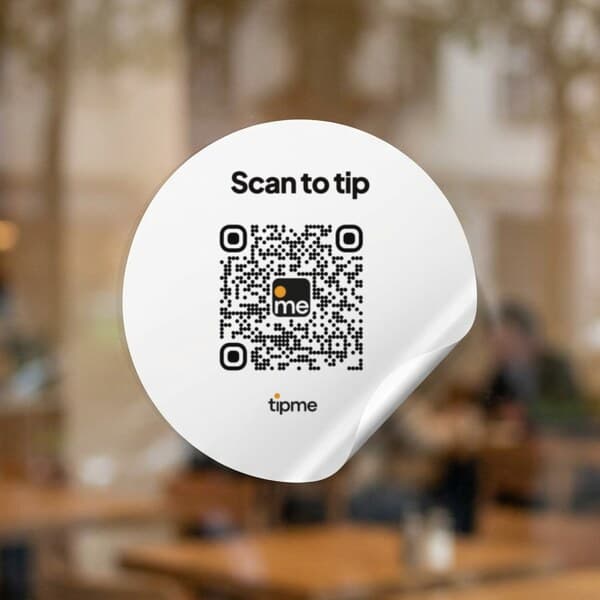
Stick it
Use a QR sticker where customers naturally see it.
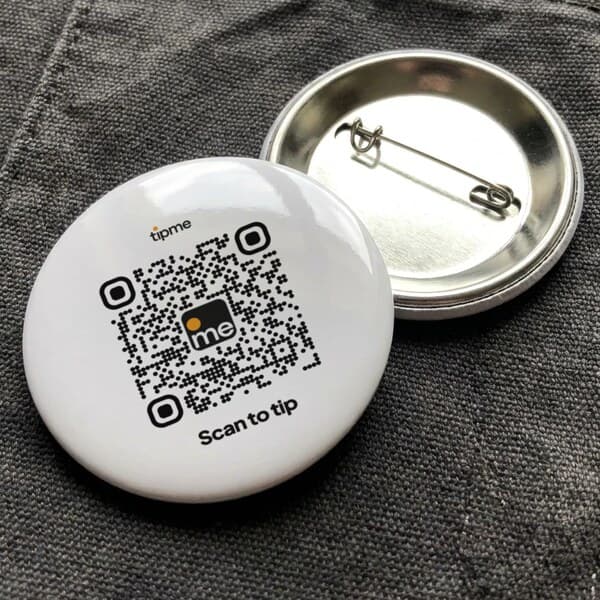
Pin it
A pin badge goes on an apron, jacket or bag strap.
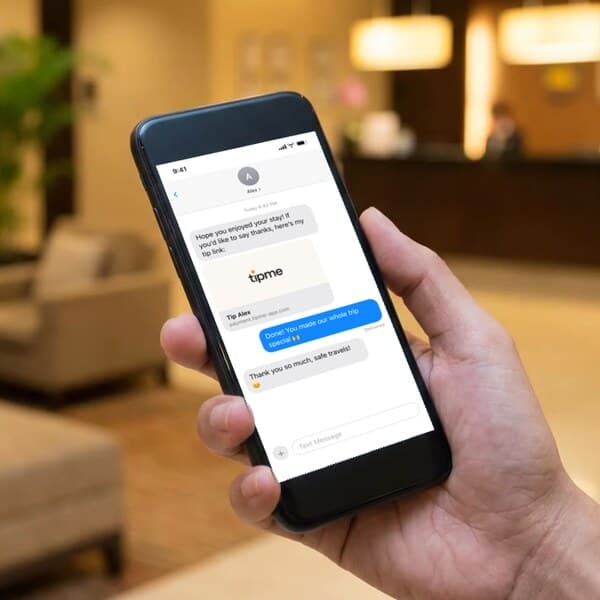
Send it
Send your payment link when your customer isn't standing in front of you.
See all Transportation & Delivery professions. See how customers tip you with a QR code or Tap to Pay, check the fees, or read the FAQ.
Your customer already
knows how to pay.
- Apple Pay
- Google Pay
- Tap To Pay
- Credit/Debit Card
- Cash App
- Crypto
- Bank Transfer
- Amazon Pay






Guides to getting
paid.
How street performers get tipped without cash in 2026
Fewer people carry cash, so buskers add a QR code next to the case. Signs, placement, fees on small tips, tamper checks and the tax catch for performers.
QR code tipping: how it works and how to set it up
QR code tipping lets customers tip by card or phone wallet with no cash and no app. How it works, setup, real fee math, placement, safety and taxes.
One QR code for every payment: why customers find it easier
A QR code that opens a web checkout works for any customer with a phone or card. Why it beats apps and usernames, and why fewer steps mean more payments.
Do QR codes increase tips? What the evidence says
A QR code won't make customers more generous, but it lets people with no cash tip at all. What studies, 2025–2026 tip data and suggested amounts show.
How to accept tips when customers don't carry cash
Fewer customers carry cash, so fewer can tip with it. Five ways to take tips by card or phone, what each costs on a $10 tip, and how to ask politely.
Where to put your tip QR code: placement ideas by job
Where a tip QR code gets scanned and where it gets ignored. Placement ideas for barbers, drivers, buskers, valets and movers, plus print and sign tips.
How to choose a tipping app: a checklist for service workers
What to check before you pick a tipping app: what customers must do, fees and who pays them, payout speed, ID rules, tax records and suggested amounts.
Tip fatigue is real. Here's how to ask for tips without being pushy
2025–2026 surveys show customers are tired of tip prompts, not of tipping for real service. How to invite tips respectfully, with wording and presets.
Are QR code payments safe? How to spot a fake code
QR code payments are safe when the code leads where it should. How QR scams work, how common they are in 2026, and how to make your own code hard to fake.
Display your personal tipme QR code at the exit booth or key stand, and drivers scan it with their phone and tip with Apple Pay, Google Pay, or any card while they wait for their car. No app or account needed on their side.
The driver's phone needs an internet connection to open your tip link, and signal can be weak on lower garage levels. Place your code near the exit or street level where coverage is better, or drivers can snap a photo and tip once they pull out.
A few dollars per car is common courtesy, with more for extra care, retrieving a car quickly, or bad weather, and with tipme, drivers pick any amount on their phone. Often more generous than the loose change they used to dig for.
Yes. No monthly subscription. A small processing fee applies to each payment or tip, and you choose, for each page and each payment request, whether the customer covers it or you do.
One flat processing fee per payment, the same for every card and wallet. The exact total is shown before anyone pays. The full breakdown is on the fees page.
You can withdraw once your balance reaches $1 or more.
Payments and tips collect in your tipme balance. Cash out to your bank account, or to an eligible debit card with an instant payout. Eligible instant payouts typically arrive within minutes. Fees and eligibility requirements apply.
No. They scan your QR code or open your link and pay by card, Apple Pay or Google Pay. No app, no account needed.
One profile works everywhere. Just show your QR code wherever you are.
If you're an employee, use tipme in accordance with your employer's workplace and tip-sharing policies.
Ready to start?
Free to sign up · No monthly subscription · No card reader required · Transaction fees apply