
Tipping App for Pizza Delivery Drivers
You get the order there hot, in any weather, at any hour. tipme makes sure 'sorry, I don't have cash' never costs you the tip.
One app.
All about tips.

Why tipme
for Pizza Delivery Drivers?
Prepaid orders skip the tip
Customers who didn't add a tip at checkout mean to 'catch you next time.' A QR code on your warmer bag lets them catch you right now.
The doorstep moment is short
You have seconds at the door. A scan and a tap fits; fumbling for change never did.
App tips get skimmed. Direct tips don't
Platform tips pass through the company and sometimes change after delivery. tipme tips go straight from the customer's phone to your account, instantly.
From great service
to a simple tip.
- Step 1
Sign up and start accepting tips immediately
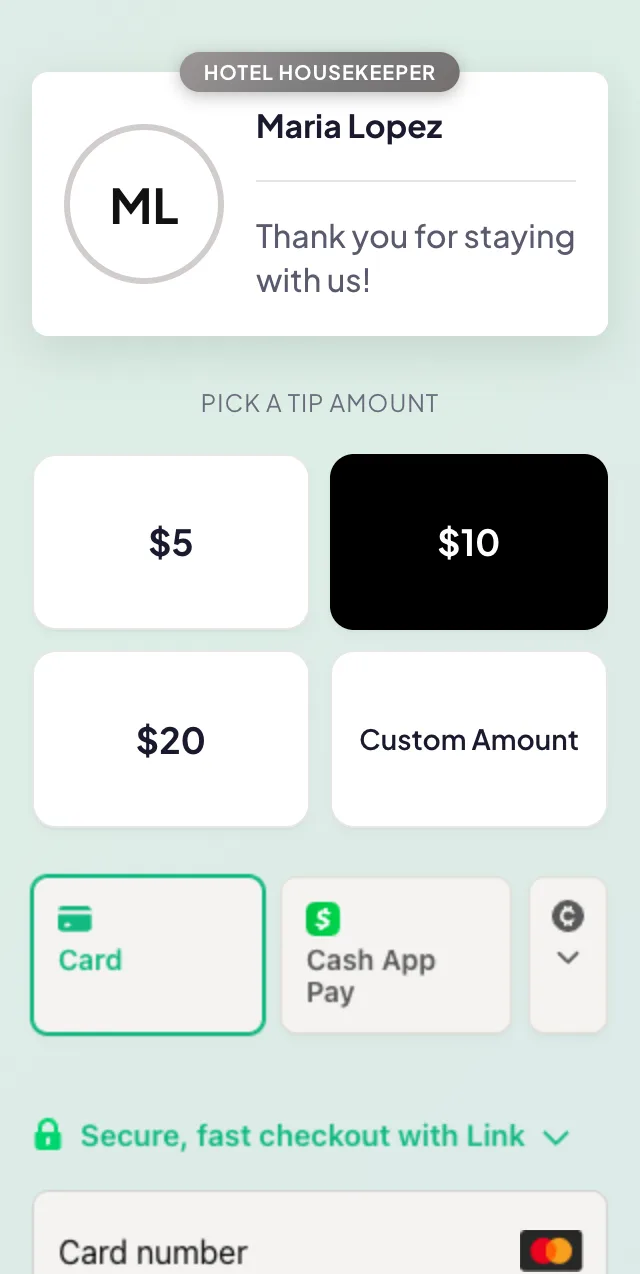
Simple signup, and your personal tip page is ready. Share your QR code or link, or accept cards in person with your phone as a terminal.
- Step 2
Share your tip page
Show your QR code, share your tip link, or use Tap to Pay on your phone for an in-person tip.
- Step 3
Receive tips
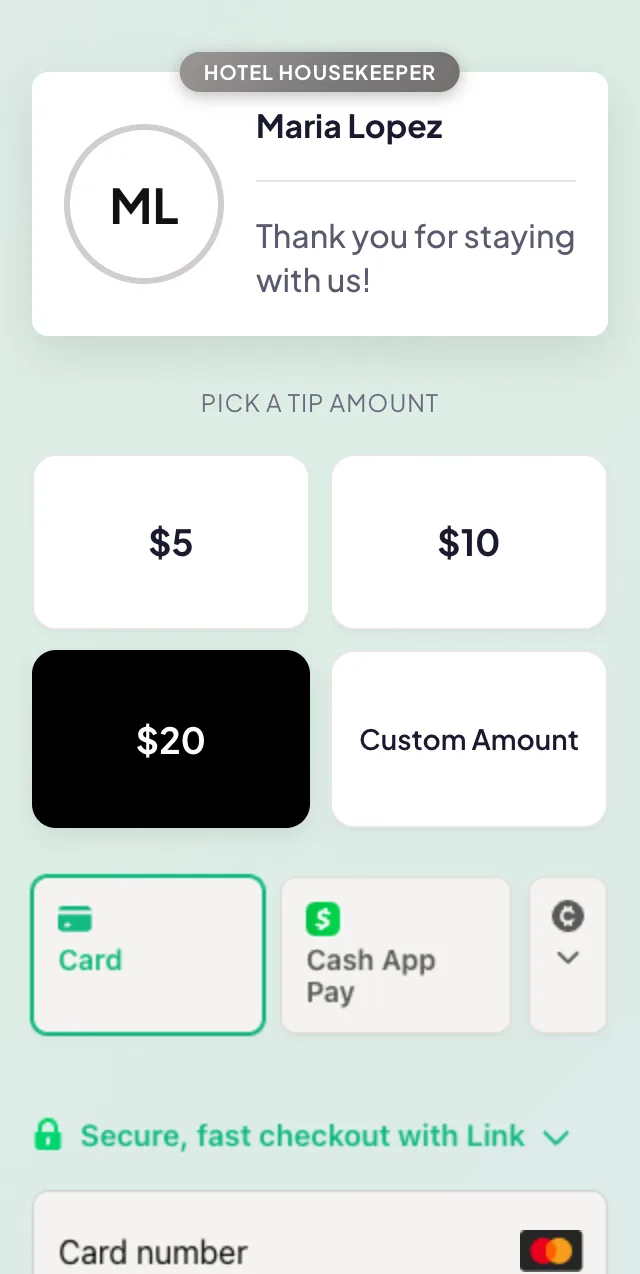
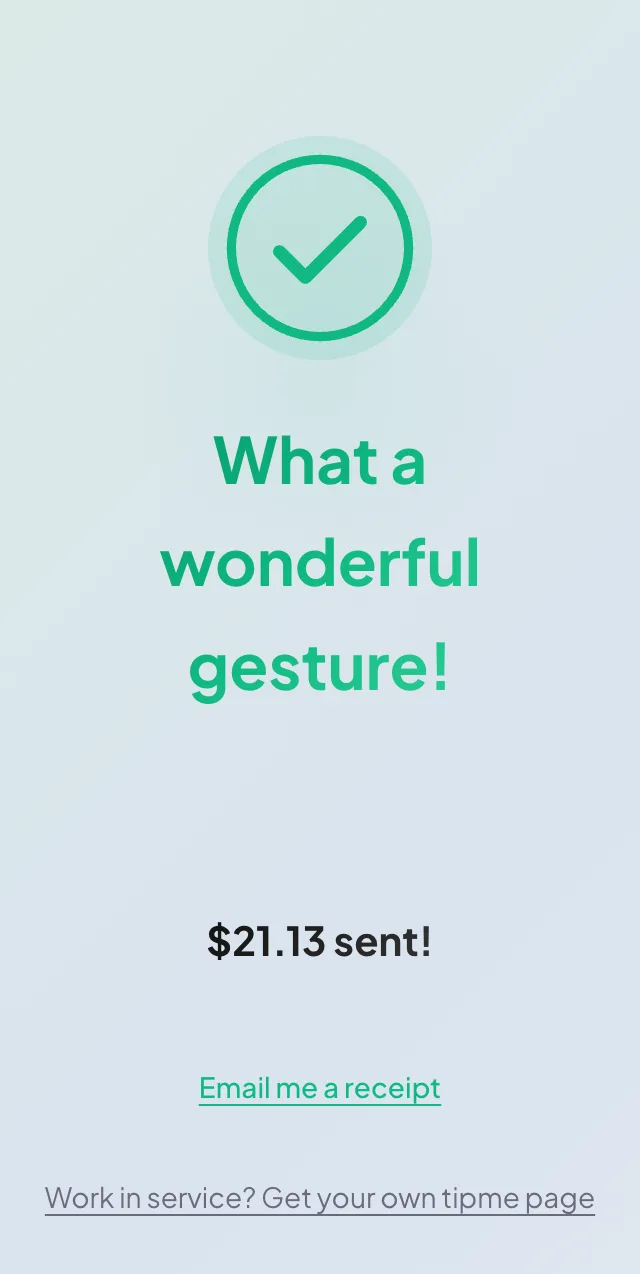
Customers tip with a supported card, Apple Pay or Google Pay. No tipme app or account is needed.
- Step 4
Cash out
Track your available tips and cash out to your bank account. You can cash out from $1.
How to use
your QR code.
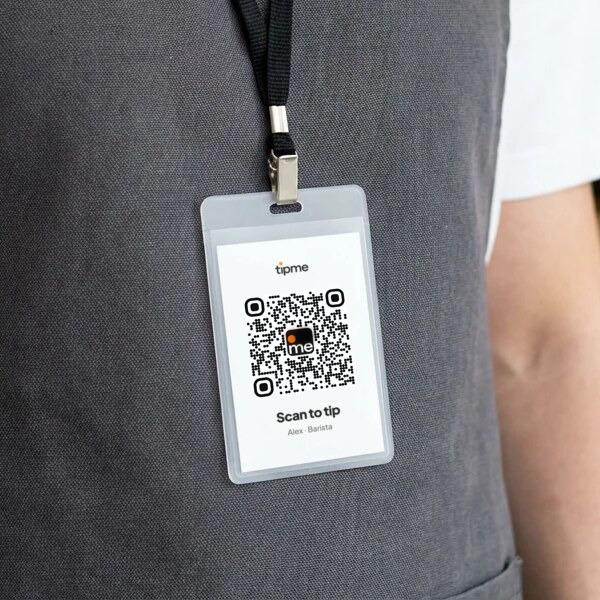
Wear it
Put your QR code on a badge or pin so customers can scan it when they're ready to tip.
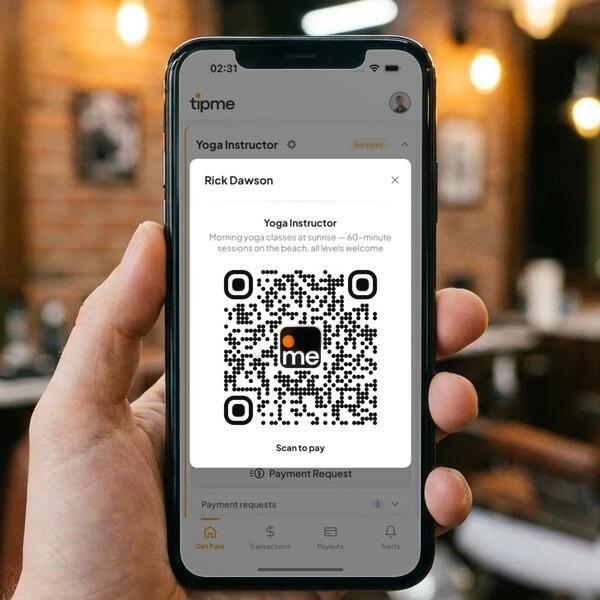
Show it
Pull up your QR code on your phone after finishing a service.
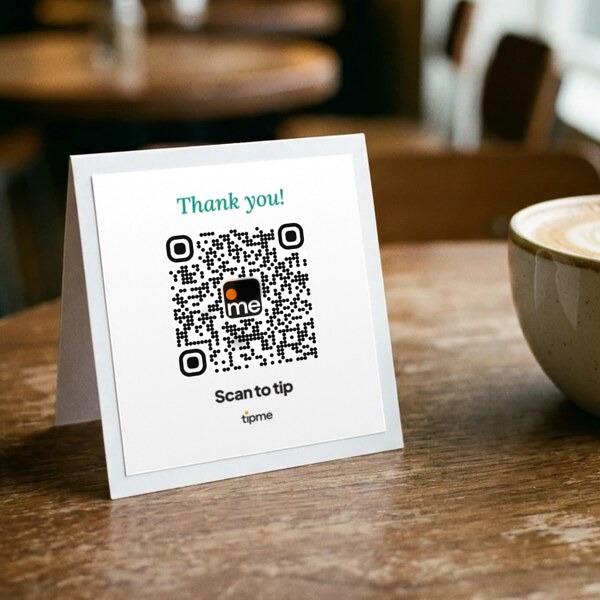
Display it
Place it on a counter, table, workstation, vehicle or printed sign.
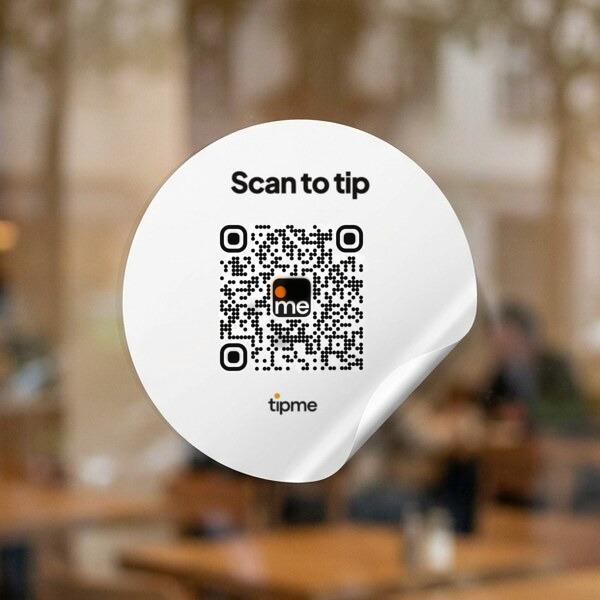
Stick it
Use a QR sticker where customers naturally see it.
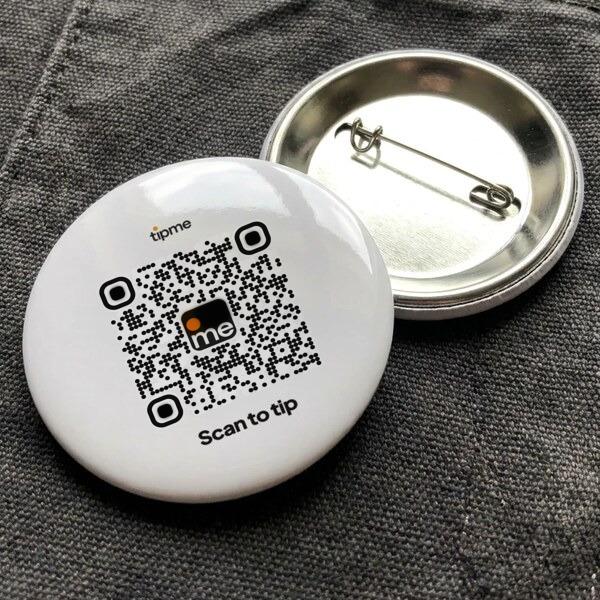
Pin it
A pin badge goes on an apron, jacket or bag strap.
Send it
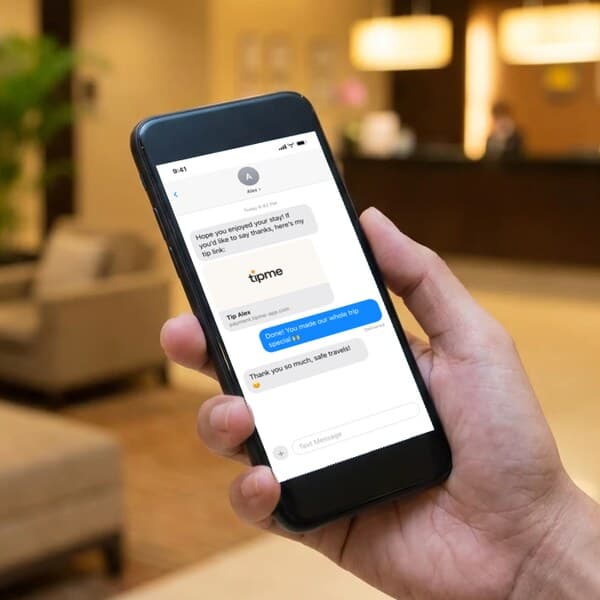
Share your tip link when your customer isn't standing in front of you.
See all Transportation & Delivery professions. See how customers tip you with a QR code or Tap to Pay, check the fees, or read the FAQ.
Your customers already
know how to tip.
- Apple Pay
- Google Pay
- Tap To Pay
- Credit/Debit Card
- Cash App
- Crypto
- Bank Transfer
- Amazon Pay




Guides to collecting
tips.
What is a tip link, and how do you use one?
A tip link lets customers tip you by card, Apple Pay or Google Pay from any phone. Where to share it, how it compares with Venmo, and what it costs.
How house cleaners get tipped when the client isn't home
Most cleaning clients are out when you finish, and fewer keep cash. Get tipped with a tip QR code card, a tip link by text, and a note that isn't pushy.
How street performers get tipped without cash in 2026
Fewer people carry cash, so buskers add a QR code next to the case. Signs, placement, fees on small tips, tamper checks and the tax catch for performers.
QR code tipping: how it works and how to set it up
QR code tipping lets customers tip by card or phone wallet with no cash and no app. How it works, setup, real fee math, placement, safety and taxes.
Do QR codes increase tips? What the evidence says
A QR code won't make customers more generous, but it lets people with no cash tip at all. What studies, 2025–2026 tip data and suggested amounts show.
How to accept tips when customers don't carry cash
Fewer customers carry cash, so fewer can tip with it. Five ways to take tips by card or phone, what each costs on a $10 tip, and how to ask politely.
Where to put your tip QR code: placement ideas by job
Where a tip QR code gets scanned and where it gets ignored. Placement ideas for barbers, drivers, buskers, valets and movers, plus print and sign tips.
How to choose a tipping app: a checklist for service workers
What to check before you pick a tipping app: what customers must do, fees and who pays them, payout speed, ID rules, tax records and suggested amounts.
Tip fatigue is real. Here's how to ask for tips without being pushy
2025–2026 surveys show customers are tired of tip prompts, not of tipping for real service. How to invite tips respectfully, with wording and presets.
With tipme, you get a personal QR code and payment link, and at the door, the customer scans it with their phone camera and tips with Apple Pay, Google Pay, or any card. Done before the pizza's even on the counter.
A card taped to the top of the warmer bag. The customer stares right at it during the handoff, and a badge or lanyard works too. Some drivers add a small card into the box for the 'no cash, next time' customers.
That's the exact gap tipme closes. The checkout screen is long gone, but the customer is standing in front of you. One scan, one tap, and the tip they meant to leave is in your account.
Yes. No monthly subscription. One tipme fee applies to each payment or tip, and you choose, for each page and each payment request, whether the customer covers it or you do.
One flat tipme fee per payment, the same for every card and wallet. The exact total is shown before anyone pays. The full breakdown is on the fees page.
You can withdraw once your balance reaches $1 or more.
Payments and tips collect in your tipme balance. Cash out to your bank account, or to an eligible debit card with an instant payout. Eligible instant payouts typically arrive within minutes. Fees and eligibility requirements apply.
No. They scan your QR code or open your link and pay by card, Apple Pay or Google Pay. No app, no account needed.
One profile works everywhere. Just show your QR code wherever you are.
Ready to start?
Free to sign up · No monthly subscription · No card reader required · Transaction fees apply