
How to use tipme
Follow the arrows. It takes about 5 minutes.
Step 1
Create your payment page
To accept payments, you need your own payment page.
Tap Create payment page. 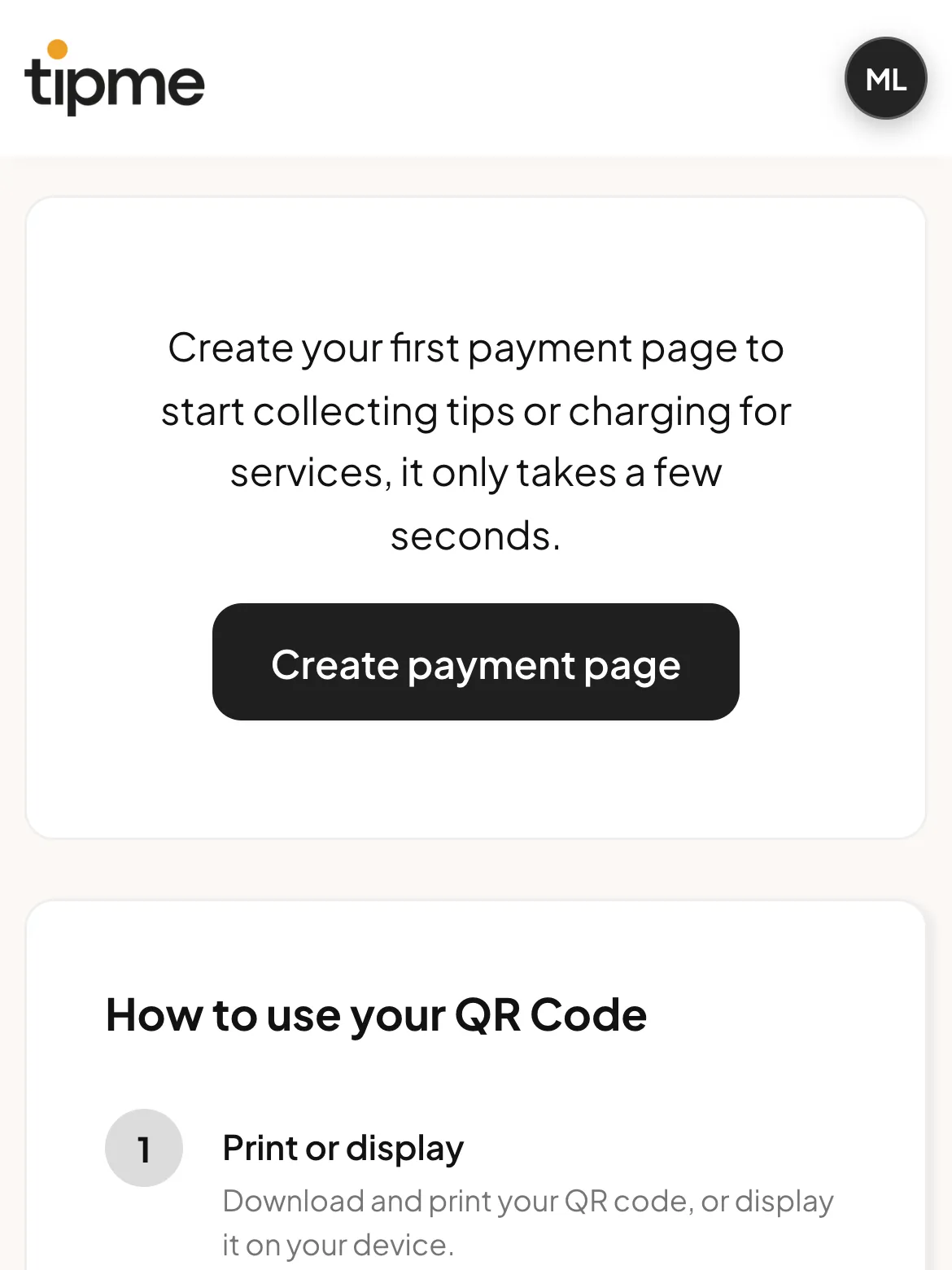
Pick Get paid for services. For tips, pick Receive tips. 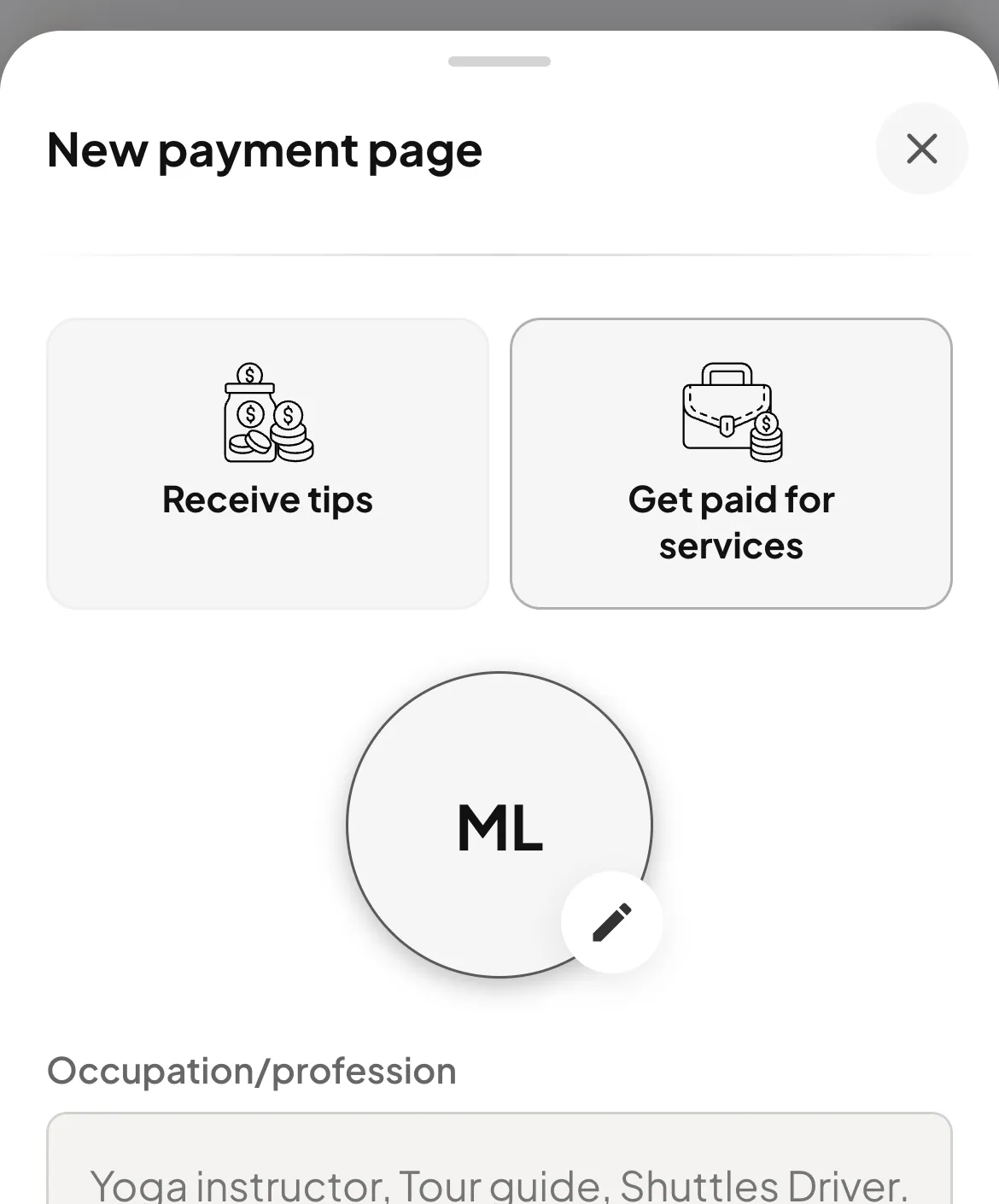
Add a photo. You can skip this. 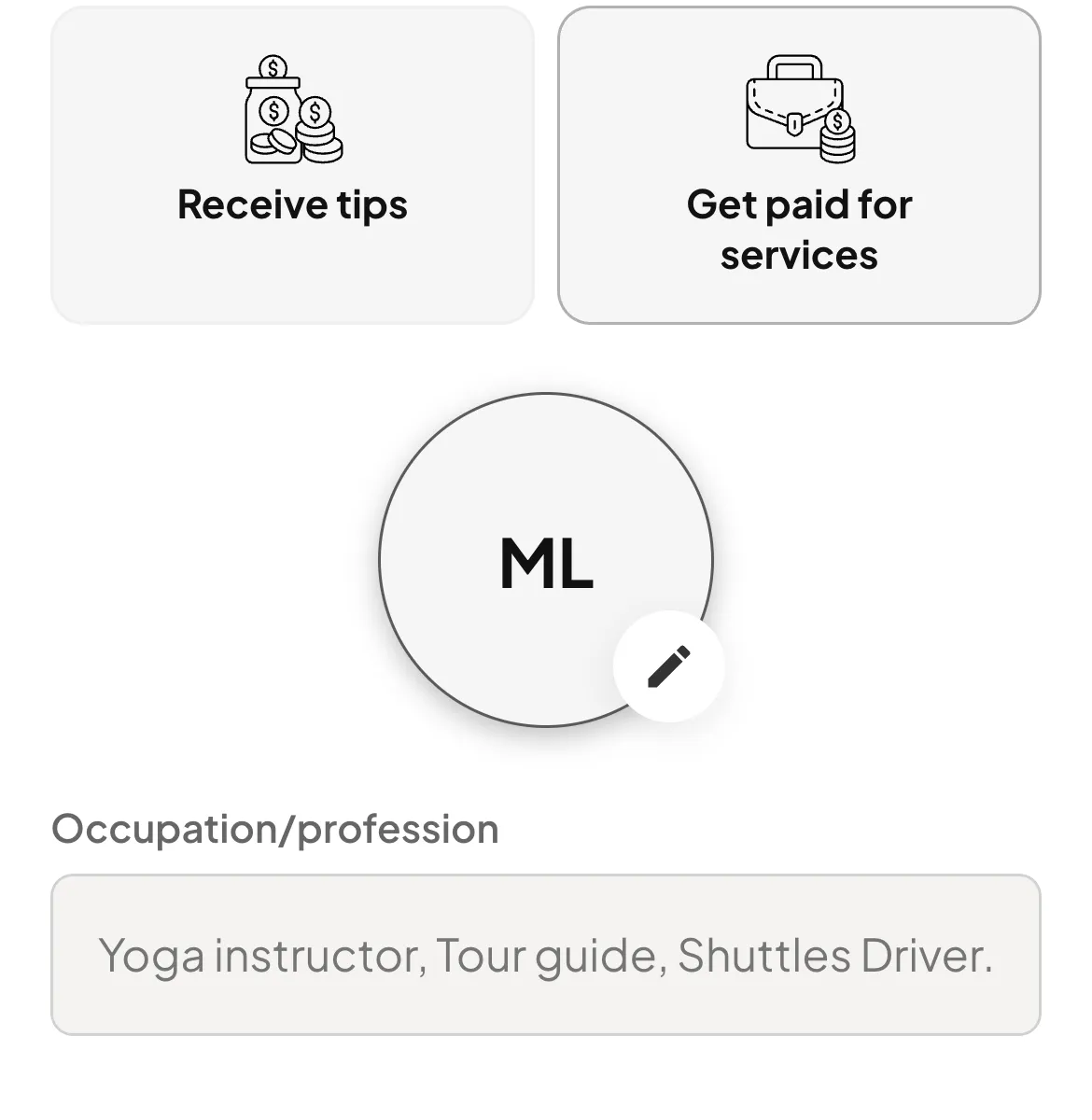
Type your job and a short message. 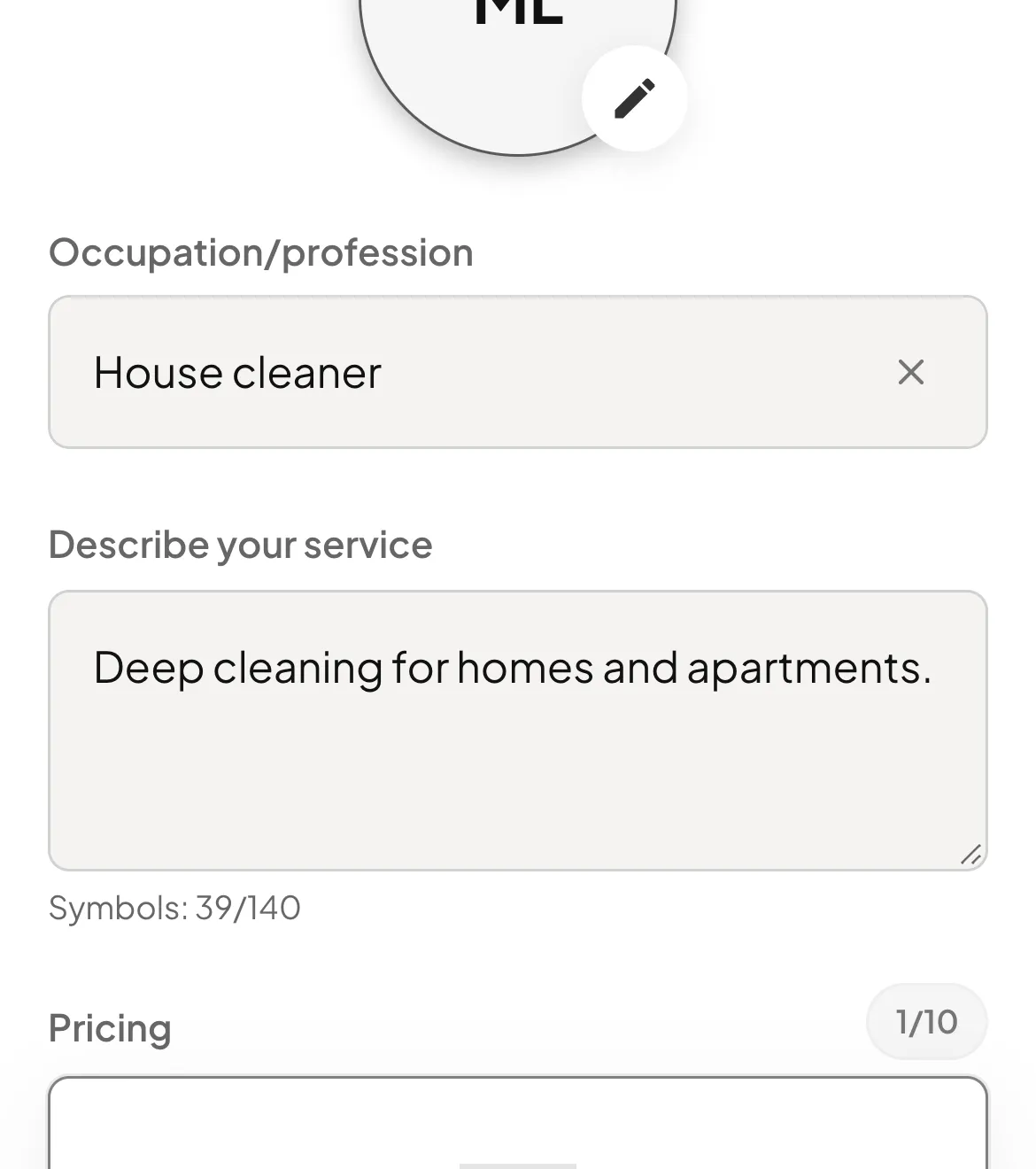
- Your job
- Your message
Set your prices. 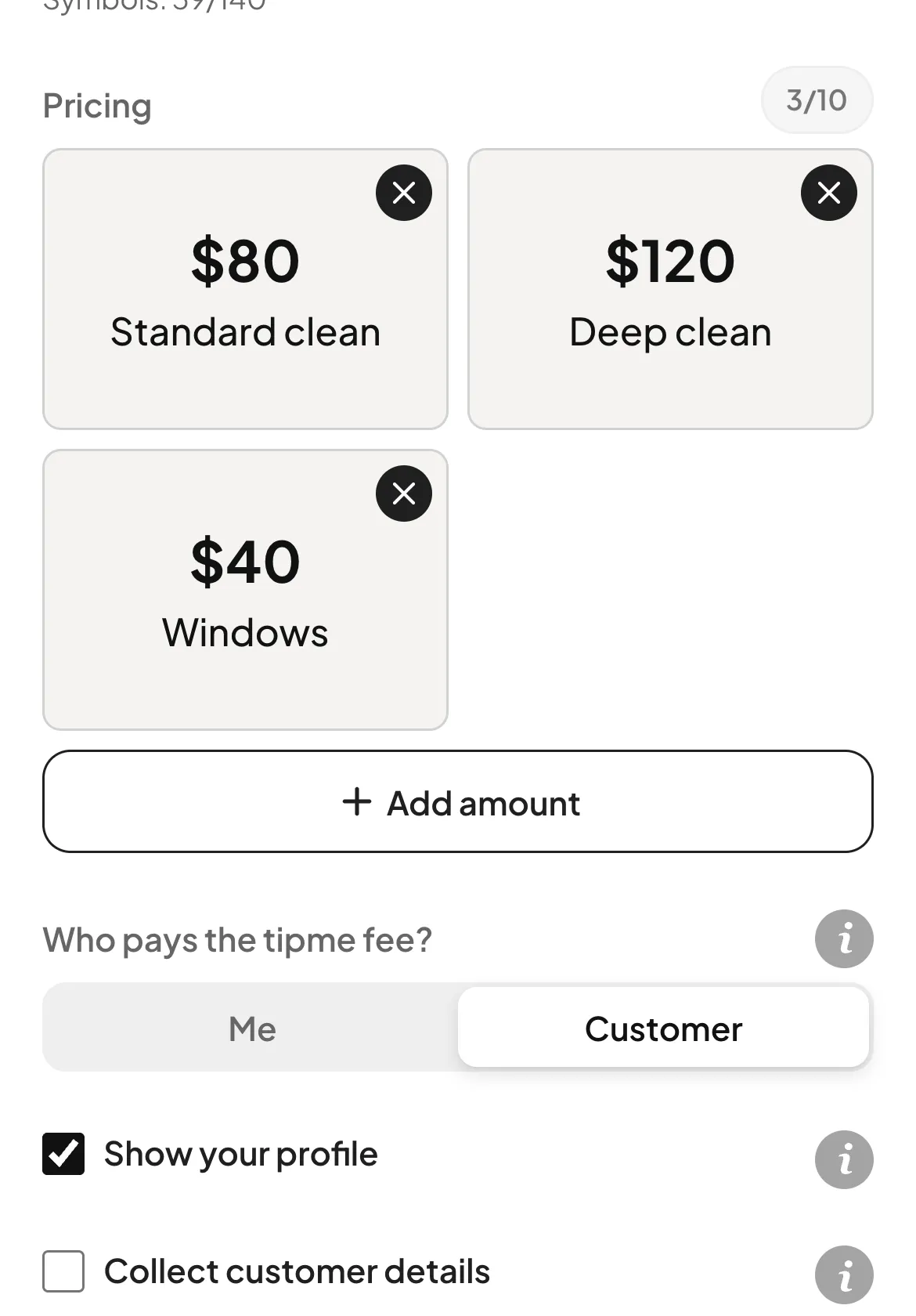
- Add a price
- Remove a price
Choose your options. 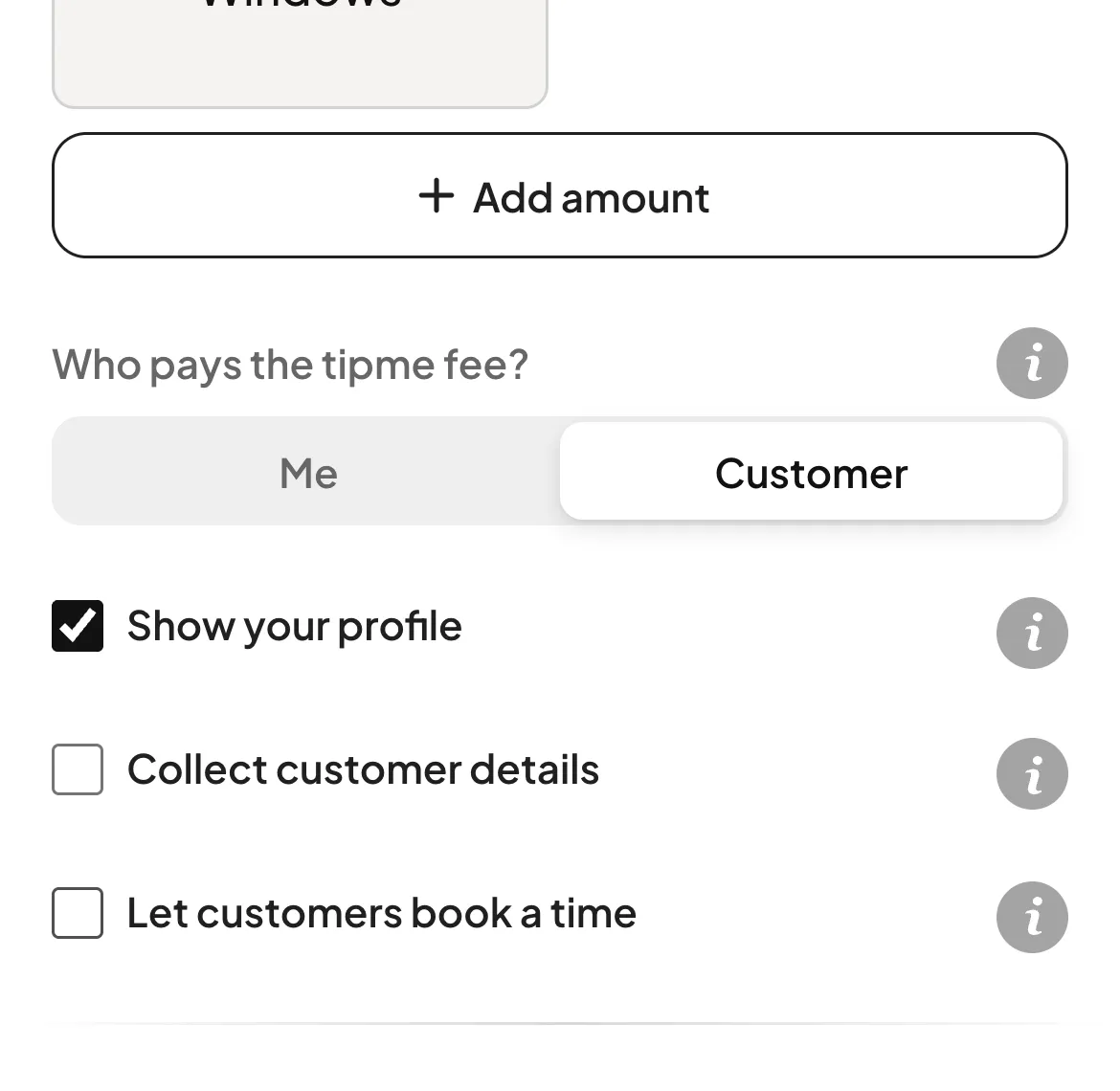
- Who pays the tipme fee
- Show or hide your name and photo
Tap Create page. Done! 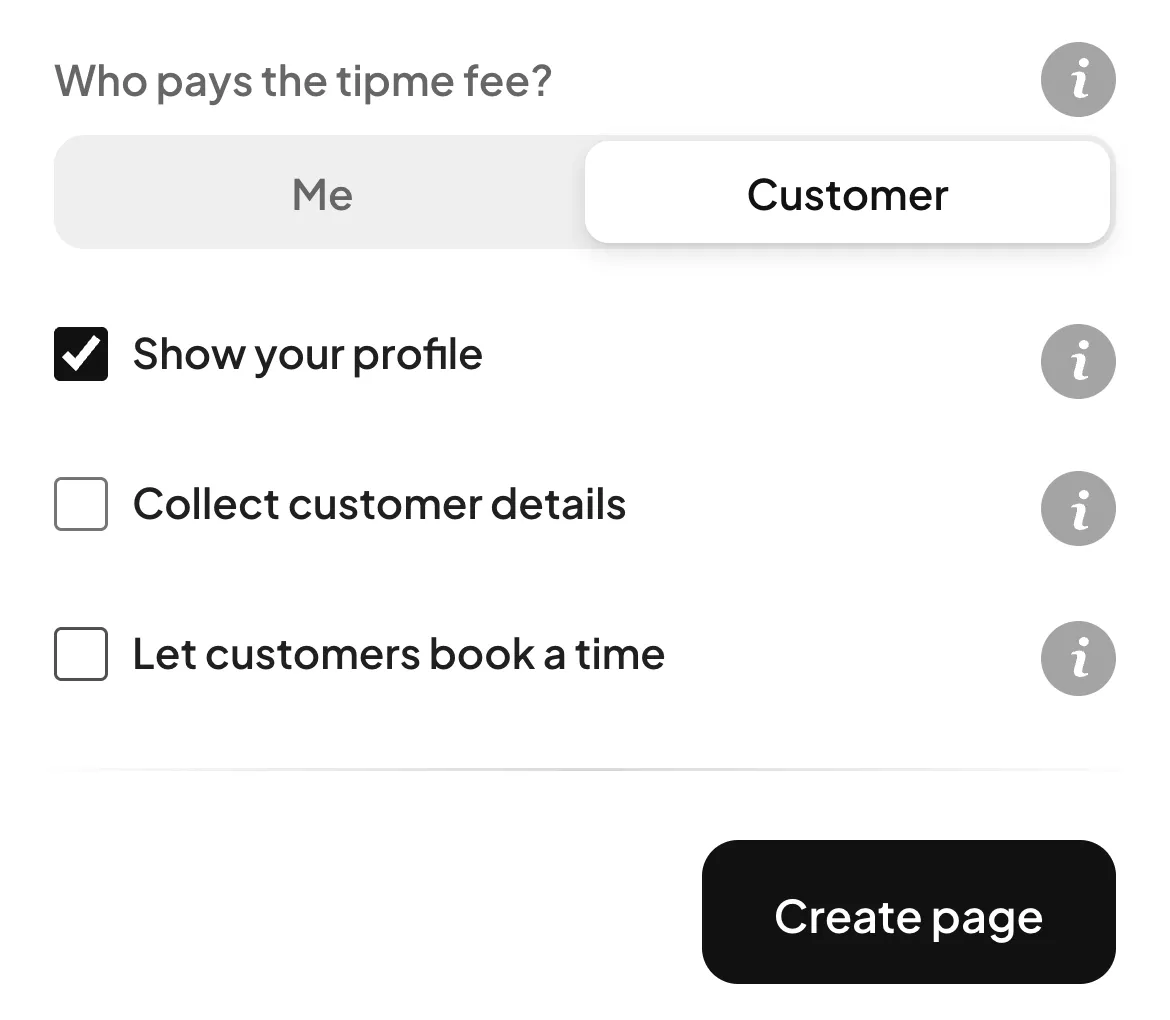
Step 2
Share your page
Show your QR code or send your link.
Your page has its own QR code. 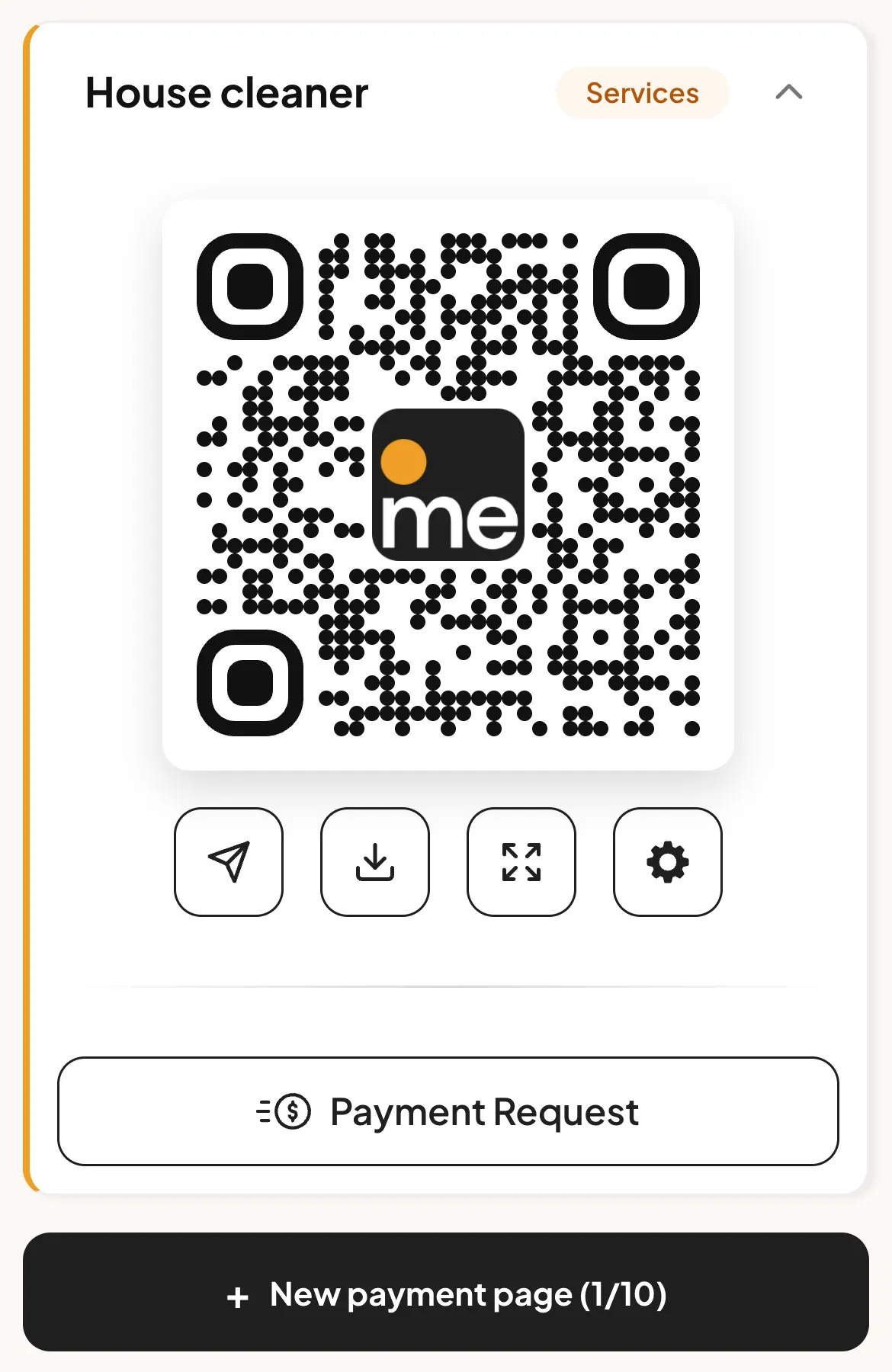
- Send your link
- Save your QR code
- Show your QR code big
Step 3
Your customer pays
No app needed. Apple Pay, Google Pay or a card.
Your customer scans the code, picks a price and pays. 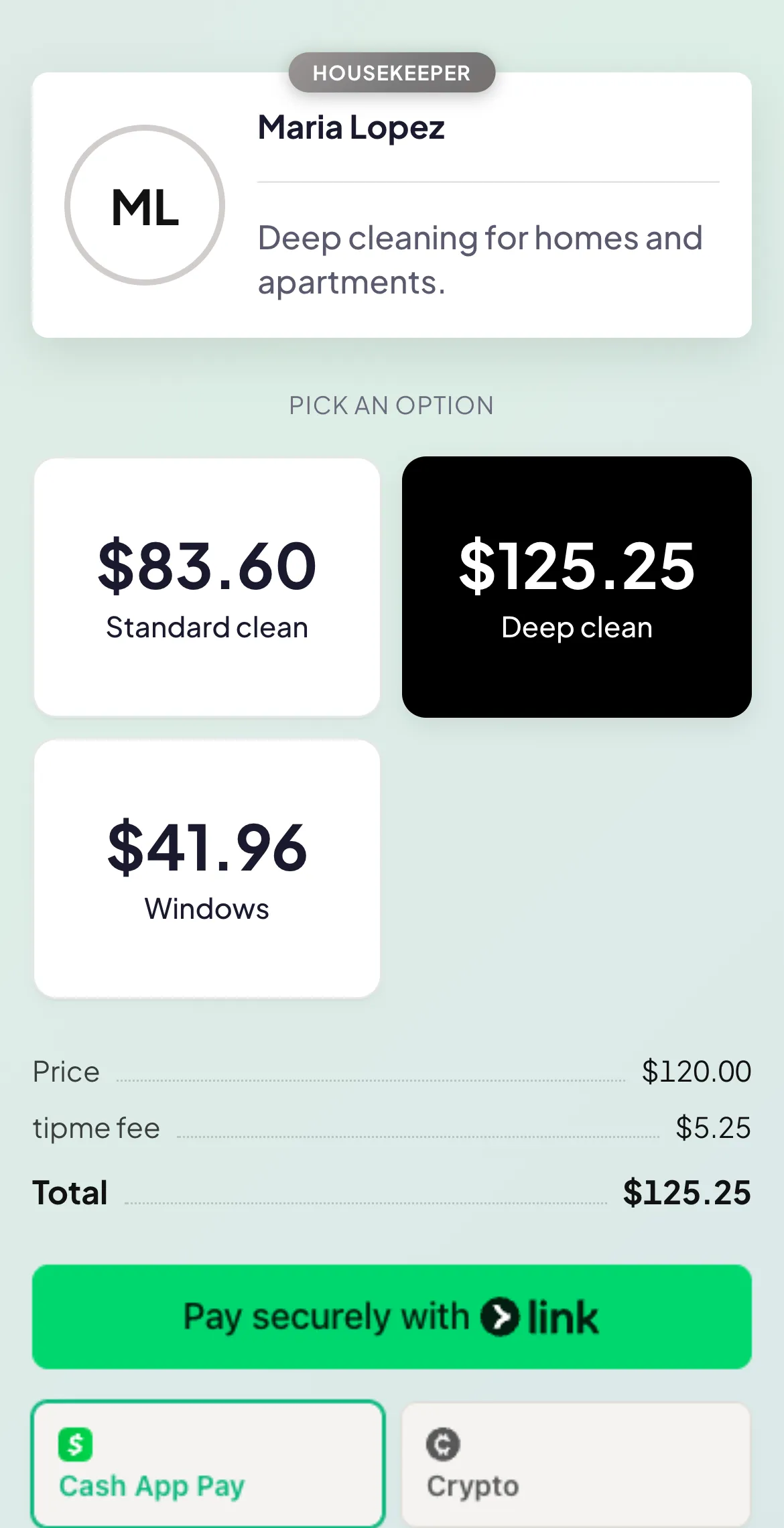
Step 4
Get your money
Send it to your bank.
See every payment. 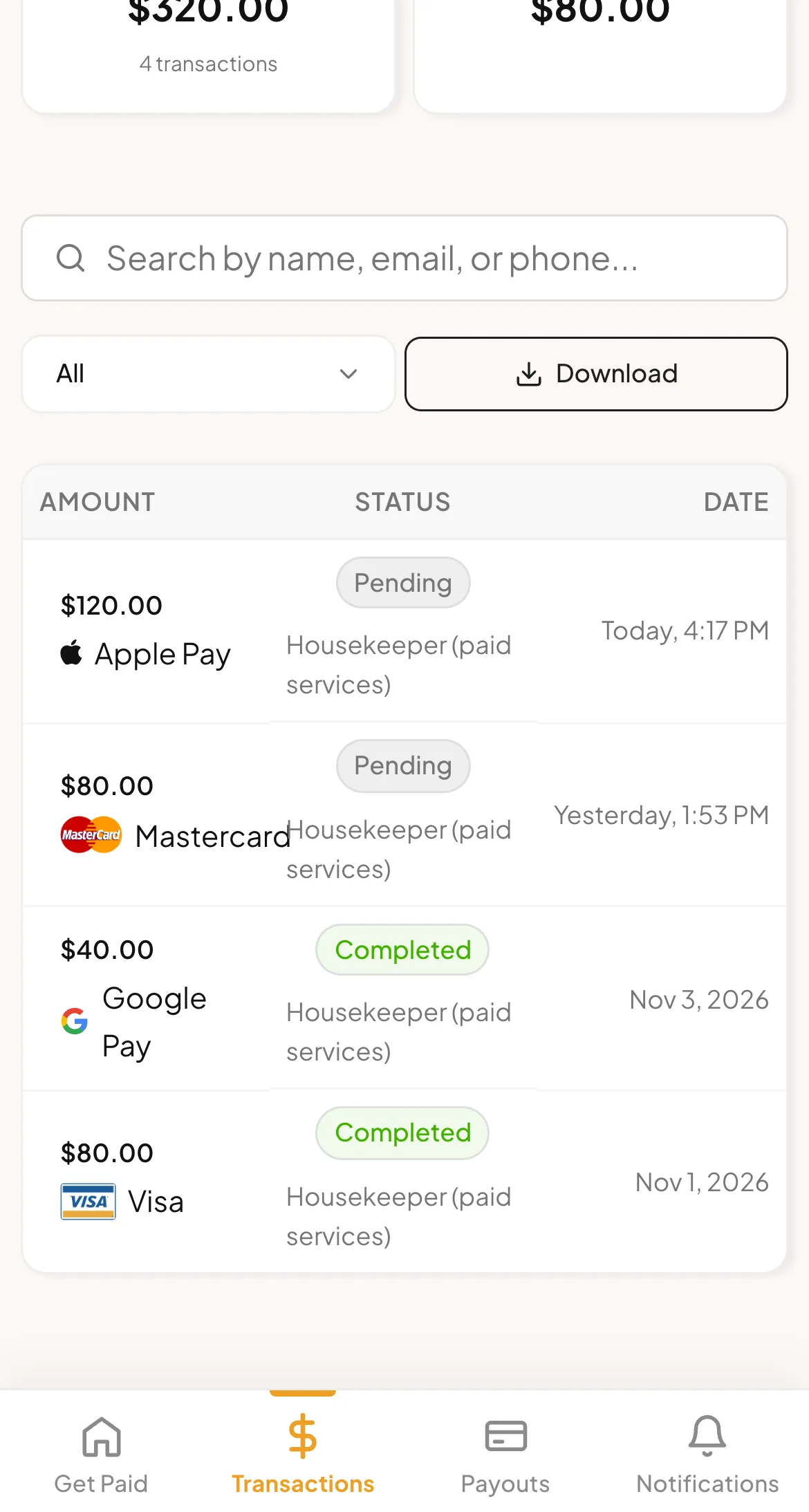
- Your payments
- Transactions tab
Tap Withdraw. It reaches your bank in 1 to 3 business days. 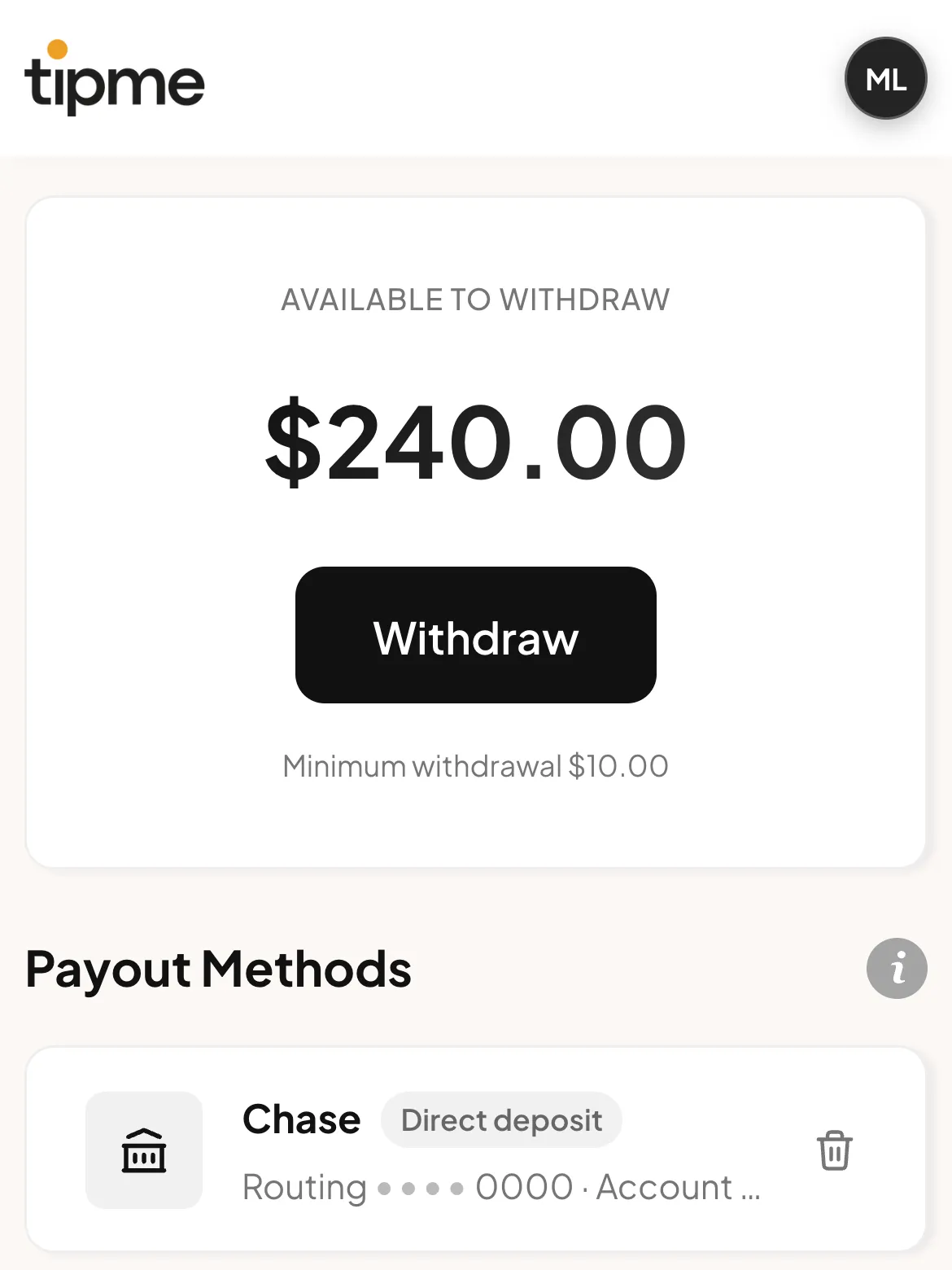
Questions
Yes. Tap the gear icon under your QR code.
No. The camera on any phone opens your page.
A new card payment waits 2 to 4 days first. The minimum is $10.
See the Fees Policy. If you pick Customer, you get the full price.
Need help? Email support@tipme-app.com or call +1 (888) 885-8597.