
Payment App for Tree Trimmers
You take down the widow-maker limb and leave the yard cleaner than you found it. tipme collects the payment before the chips settle. QR scan, any card, straight to you.
One app for the job
and the tip.
A haircut. A yoga class. A dog walk. A home repair. A hotel tip. The work may be different, but the payment moment is the same: your customer needs an easy way to pay you. tipme gives you one place to accept service payments and voluntary tips, whether your customer is standing in front of you or paying later from a link.
Sign up with SSN or ITIN
No LLC or EIN for an individual account. Stripe may ask for a photo ID.
Customize each page
Your title, your message and preset amounts.
Suggested tips and links
Preset amounts, any amount, or a one-time link.
Your QR code, ready anywhere
Every payment page gets its own QR code and shareable link. Show it on your phone, print it on a badge or sign, or send the link directly to your customer.
Instant payouts
Eligible instant payouts typically arrive within minutes. Fees apply.
Know what you earned
See your payment history, keep tips and service payments organized separately, and export your transaction records when you need them.
Tax-ready records
CSV export, and a 1099-K at IRS thresholds.
Web and mobile app
One account on the web, iOS and Android.
Why tipme
for Tree Trimmers?
Independent tree trimmers use tipme to accept card, Apple Pay, and Google Pay payments on site, and the customer scans your personal QR code after the cleanup, pays for the job and can add a tip. No card reader, no invoices.
Dangerous work, instant settlement
Storm-damaged limbs and leaning trunks get handled today. The payment should too. One scan at the cleanup walkthrough and the job is closed, money in your account.
Solo climbers don't carry card readers
Your gear list is saws, ropes, and a chipper. Not a POS terminal. A QR card in the truck does the job of one, taking any card or wallet.
Storm saves earn tips
Freeing a driveway or a roofline after a storm is worth extra to most homeowners. tipme takes the tip on top of the payment in the same scan.
From job done
to paid.
No cash to chase. No card reader to carry. No monthly subscription.
- Step 1
Create your page
Set up a service payment page or tip page with your name, message and payment amounts.
- Step 2
Share it
Show your QR code, send your payment link, or use Tap to Pay for an in-person payment.
- Step 3
Get paid
Your customer pays using a supported payment method. No tipme account is required on the customer side.
- Step 4
Cash out
Keep track of your available balance and cash out using an available payout method.

Your customer already
knows how to pay.
Don't make them create another account just to pay you. With tipme, customers can scan your QR code or open your payment link and pay from their own phone. For face-to-face payments, use Tap to Pay to accept a supported contactless payment directly on your phone. Fast for them. Simple for you.
- Apple Pay
- Google Pay
- Tap To Pay
- Credit/Debit Card
- Cash App
- Crypto
- Bank Transfer
- Amazon Pay







Your QR code goes
where you do.
You don't work behind the same counter every day. Your payment method shouldn't have to either. One account. Wherever you work.
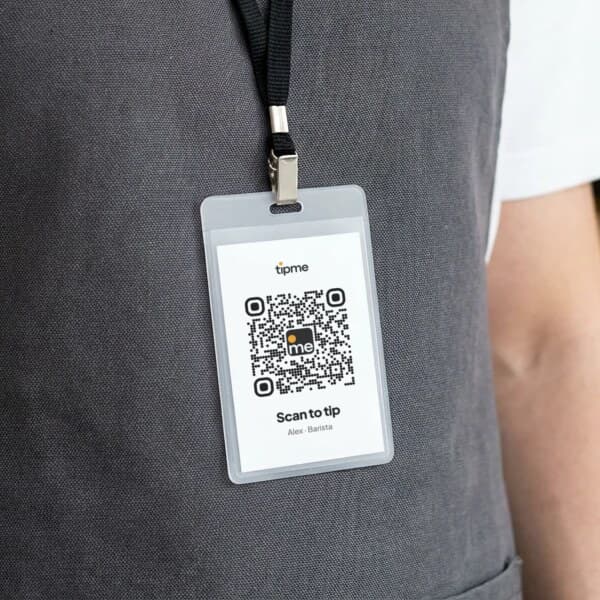
Wear it
Put your QR code on a badge or pin so customers can scan it when they're ready to pay or tip.
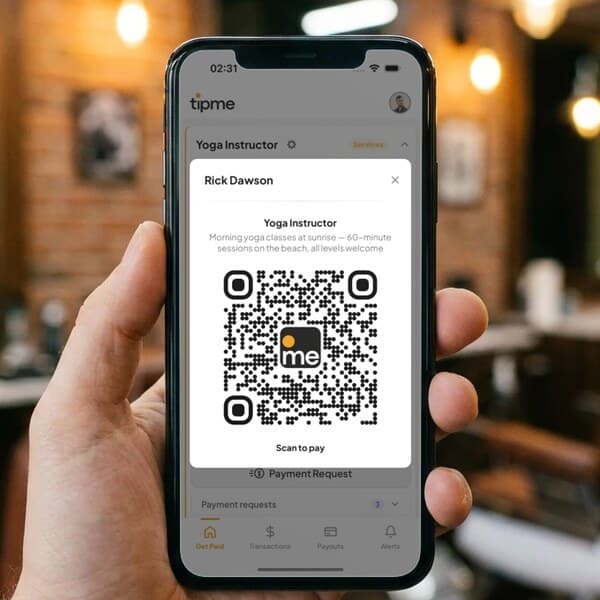
Show it
Pull up your QR code on your phone after finishing a service.
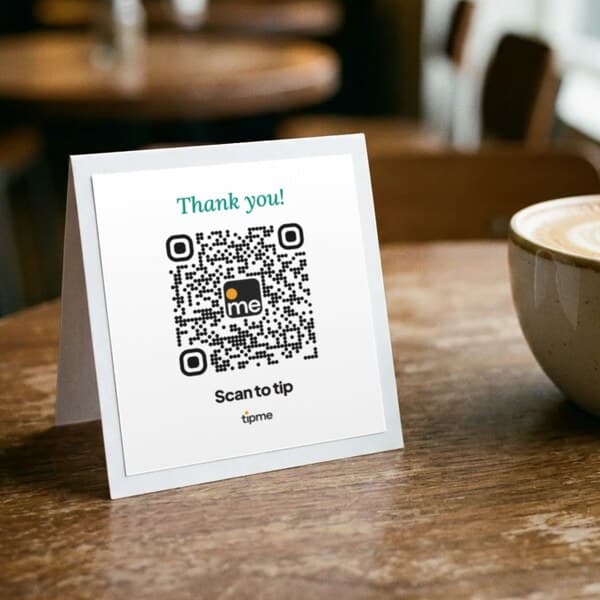
Display it
Place it on a counter, table, workstation, vehicle or printed sign.
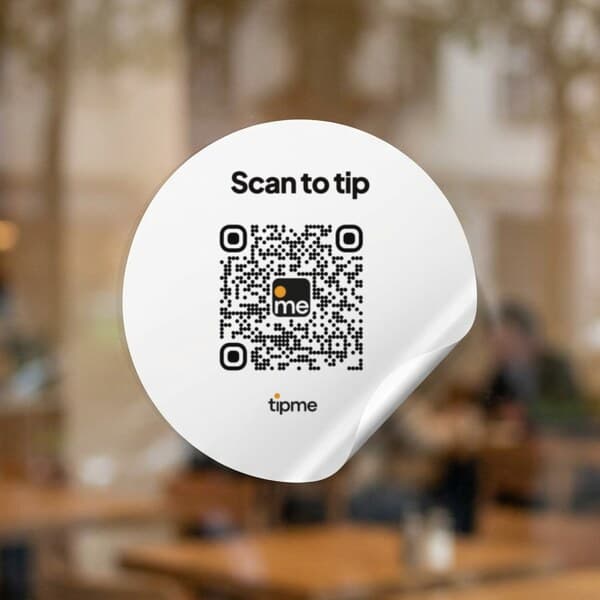
Stick it
Use a QR sticker where customers naturally see it.
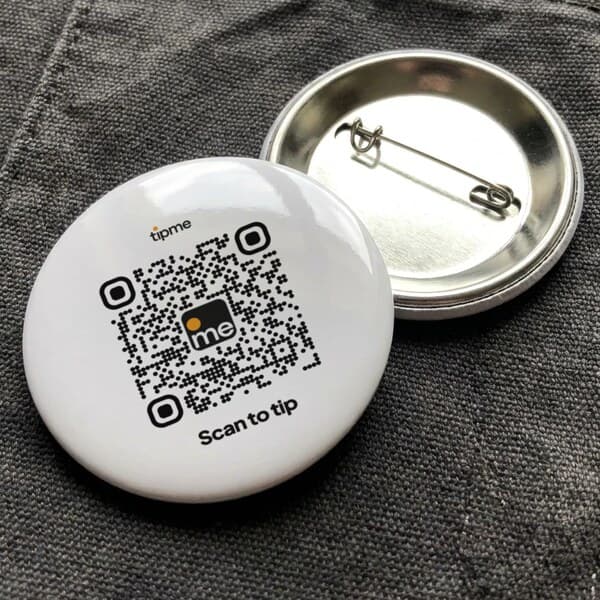
Pin it
A pin badge goes on an apron, jacket or bag strap.
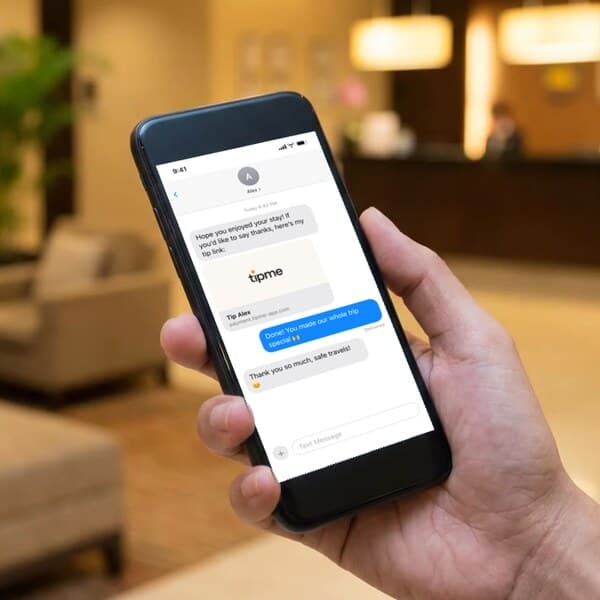
Send it
Send your payment link when your customer isn't standing in front of you.
With tipme, the trimmer carries a personal QR code and payment link, and after the cleanup the customer scans it and pays with Apple Pay, Google Pay, or any card. No card reader, and the money goes directly to the trimmer's account.
The cleanup walkthrough. The limbs are down, the yard is raked, and the customer is inspecting the work. Hand over the QR card right there and the job closes paid.
After storm work or a tricky removal near the house, many do. tipme's page takes an optional tip on top of the job price in the same scan.
Yes. No monthly subscription. A small processing fee applies to each payment or tip, and you choose, for each page and each payment request, whether the customer covers it or you do.
One flat processing fee per payment, the same for every card and wallet. The exact total is shown before anyone pays. The full breakdown is on the fees page.
You can withdraw once your balance reaches $1 or more.
Payments and tips collect in your tipme balance. Cash out to your bank account, or to an eligible debit card with an instant payout. Eligible instant payouts typically arrive within minutes. Fees and eligibility requirements apply.
No. They scan your QR code or open your link and pay by card, Apple Pay or Google Pay. No app, no account needed.
One profile works everywhere. Just show your QR code wherever you are.
See all Home Services professions. See how customers pay you with a payment link or Tap to Pay, send invoices and receipts, check the fees, or read the FAQ.
Guides to getting
paid.
Can you use a personal Venmo or Cash App account for client payments?
What Venmo, Cash App and PayPal say about client payments in a personal account, what each costs as of October 2026, and when a payment page fits better.
How to take appointment deposits with a payment link (hair, nails, lessons)
Collect a deposit for a hair, nail or lesson booking with a payment link or a booking page. Amounts, fee math as of October 2026, and policy wording.
How to accept Tap to Pay on iPhone as an individual
Take contactless cards and Apple Pay on your own iPhone with no card reader and no LLC. Setup, fees as of October 2026, receipts, payouts and limits.
How to pay contactless with your iPhone (and Apple Watch)
Pay with Apple Pay at a store reader, on a worker's phone with Tap to Pay, or on a QR code page in Safari. Which iPhones work and what to do if a tap fails.
Is contactless payment safe? What happens when you tap your iPhone
A tap sends a one-time code, not your card number. How tokens, Face ID and Lost Mode protect you, what the seller sees, and where the real risks are.
Contactless, QR code or card reader: which should a solo worker use?
Tap to Pay on your phone, a QR code or a card reader? A fair side-by-side for solo workers, with published fees as of October 2026 and where each fails.
What is a personal payment link, and how do you use one?
A personal payment link lets customers pay you by card from any phone. What it is, how it differs from Venmo-style apps, what it costs and how to use one.
How to make a payment page for your service without a website
You don't need a website or a store to take card payments for a service. How a personal payment page works, what to put on it, and what it costs in 2026.
How to accept card payments as an individual (no LLC needed)
You can take card payments as a sole proprietor with no LLC. A fair comparison of card readers, payment apps, links and tipme, with October 2026 fees.
Ready to start?
Free to sign up · No monthly subscription · No card reader required · Transaction fees apply